Shopify Review Management Workflow for Growing Stores
Shopify review management workflow — a practical guide for ecommerce stores. Learn how to build a more effective review collection process with better timing, messaging, and workflow.
Quick answer
A Shopify review management workflow organizes how your team handles review requests, customer responses, and feedback tracking. As your order volume grows, having a structured workflow prevents requests from falling through the cracks and ensures every customer gets a consistent post-purchase experience.
What is Shopify review management workflow?
Shopify Review Management Workflow for Growing Stores helps growing stores organize the entire review lifecycle from request to response to action. As your order volume increases, having a structured workflow prevents reviews from slipping through the cracks and ensures every customer gets a consistent experience.
Why Shopify review management workflow matters for ecommerce stores
A Shopify review management workflow matters because managing reviews manually across spreadsheets, email inboxes, and multiple platforms becomes chaotic as volume grows. A structured workflow keeps your team organized, ensures timely responses, and helps you spot trends in customer feedback.
How to approach Shopify review management workflow
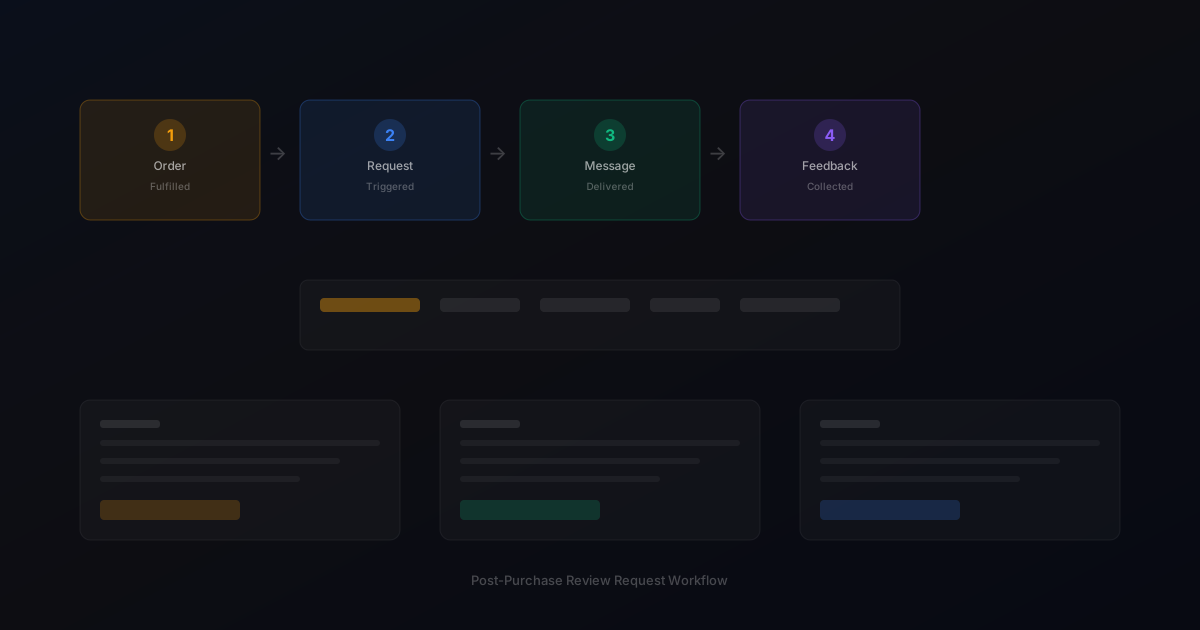
The best Shopify review management workflow covers four stages: request (automated timing and delivery), tracking (monitoring who has responded and who needs follow-up), response (managing replies to reviews), and analysis (spotting trends and sharing insights across teams).
Assess your current review collection process
Start by reviewing how you currently collect reviews. Are you using automated requests, manual emails, or no structured process at all? Understanding your starting point helps you choose the right improvements.
Define your review collection goals
Set realistic targets based on your order volume. A store processing 100 orders per week might target 10-15 new reviews per week with an optimized request workflow.
Implement and iterate
Choose the right approach for your store size and implement it. Monitor response rates and adjust timing, messaging, and targeting based on performance data.
Step-by-step Shopify review management workflow framework
1. Set up automated review requests triggered by Shopify fulfillment. 2. Create a central feedback inbox for all customer responses. 3. Assign team members to monitor and respond to reviews daily. 4. Tag reviews by product, sentiment, and issue type for easy filtering. 5. Schedule weekly review of feedback trends. 6. Share insights with product development and customer support teams. 7. Review workflow effectiveness monthly and adjust based on performance data.
Practical examples
A Shopify store with 500 weekly orders implemented a structured review management workflow and reduced their average response time to reviews from 72 hours to under 12 hours. The faster response times led to higher customer satisfaction scores and more repeat purchases.
Example for growing stores
A mid-size store processing 300 weekly orders implemented automated review requests and saw review volume increase from 15 to 40 reviews per month within eight weeks.
Example for small stores
A boutique store with 50 weekly orders used targeted template messages for first-time buyers and repeat customers separately, improving response rates by 25 percent.
Common mistakes to avoid
The most common mistake is collecting reviews but not acting on them. If customers take time to leave feedback and see no change or acknowledgment, they are less likely to review again. Another mistake is not having a clear owner for review management on the team.
Inconsistent timing
Sending requests at random intervals confuses customers and reduces response rates. Consistent timing based on delivery windows produces better results.
Generic messaging
Using the same message for every customer misses the opportunity to tailor requests by customer segment and purchase history.
Shopify review management workflow checklist
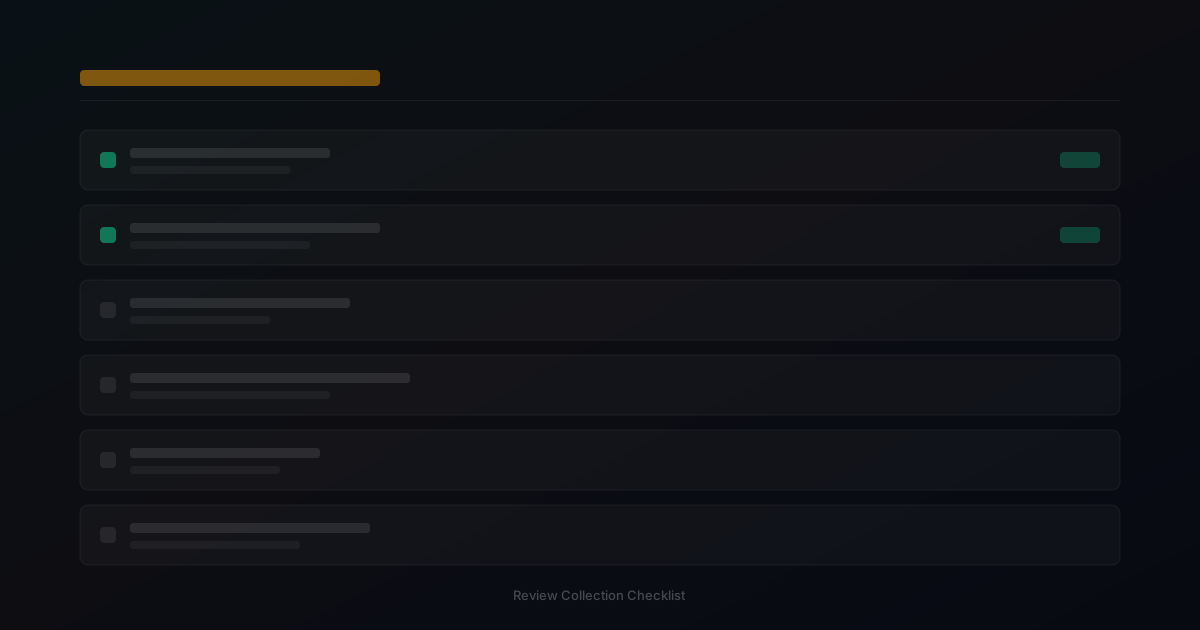
Assign a team member to own review management. Set up automated request workflows. Create a central feedback inbox. Respond to all reviews within 24 hours. Tag and categorize feedback weekly. Share trends with relevant teams monthly.
How StarMultiplier helps with Shopify review management workflow
StarMultiplier helps stores implement a Shopify review management workflow by providing automated request timing, a central feedback inbox, response management tools, and analytics dashboards. The platform connects the entire review lifecycle so your team can stay organized without manual tracking.
Want to see where your review workflow is leaking opportunities? Start with a StarMultiplier review audit.
Building a Shopify review management workflow that covers the full lifecycle
A Shopify review management workflow covers more than just sending review requests. It encompasses the full lifecycle from post-purchase outreach through review publication, monitoring, and response. The collection phase includes all the activities that bring new reviews in: automated review requests triggered by order fulfillment, follow-up sequences for non-responders, and any direct feedback channels your brand maintains. The monitoring phase includes checking for new reviews on each platform where customers leave feedback, identifying reviews that require a response, and flagging reviews that may violate platform policies or that contain customer service issues that need escalation. The response phase covers writing and publishing responses to reviews, particularly negative or critical ones where a thoughtful response can demonstrate your brand's commitment to customer satisfaction. The analysis phase covers extracting patterns from review content, tracking average rating trends, and using feedback insights to inform product and service improvements. Each phase requires defined ownership, clear processes, and tools that support the workflow without creating excessive manual work. A Shopify review management workflow that covers all four phases consistently produces better outcomes than one that focuses only on collection.
Responding to Shopify reviews as part of your management workflow
Responding to reviews on Shopify and external platforms is a visible part of your brand communication that future shoppers read as carefully as the reviews themselves. A thoughtful response to a critical review often converts a potential trust deficit into a trust signal: shoppers who see that your brand acknowledges concerns and offers to help are reassured that they will be treated fairly if something goes wrong with their own order. The standard response framework for a critical review includes three elements: acknowledge the customer's experience without being defensive, express genuine concern about the issue they described, and offer a clear path to resolution with contact information. Keep responses concise — two to three sentences — and avoid corporate language that sounds scripted rather than human. For positive reviews, a brief acknowledgment of the specific thing the customer praised keeps the response personal without being excessive. Not every positive review requires a response, but responding to particularly detailed or helpful positive reviews demonstrates that your team reads and values feedback. Establish a response schedule in your workflow: aim to respond to all critical reviews within 48 hours and to helpful positive reviews within one week.
Tools and automation for Shopify review management at scale
As your Shopify store scales and review volume grows, manual review management becomes unsustainable. Tools that aggregate reviews from multiple platforms, alert your team to new reviews that require attention, and track response completion status become essential infrastructure for maintaining a consistent review management practice. Review aggregation tools pull new reviews from multiple platforms into a single dashboard, eliminating the need to check each platform separately. Alert configurations can flag reviews below a certain star rating for immediate team attention and route positive reviews with specific content to your marketing team for potential use in case studies or social proof. Response templates for common review types save time without making responses feel automated: a library of response frameworks that team members can customize for specific situations is faster than writing every response from scratch and more personalized than a fully automated response system. Track which reviews have been responded to and which are still pending in your workflow documentation so no review falls through the cracks during high-volume periods like post-holiday seasons when review volume spikes significantly above your weekly average.
Building a Shopify review management workflow your team can maintain long-term
A Shopify review management workflow that your team can maintain long-term is designed for the team's realistic capacity rather than for an idealized version of how much time and attention team members can dedicate to review management during a typical week. The most sustainable workflows have three characteristics. First, they are largely automated for routine operations: review requests trigger, send, and follow up without requiring manual intervention, leaving team time for the non-routine tasks that genuinely benefit from human judgment. Second, they have clear ownership: one team member is the primary owner of the review management workflow, responsible for monitoring performance, updating templates, and flagging issues for the broader team. When ownership is unclear, routine maintenance falls through the cracks. Third, they have a minimal maintenance footprint: the amount of time required each week to keep the workflow functioning at a high level is measured in minutes rather than hours for a well-configured automated system. Design your Shopify review management workflow around these three principles and you will have a system that runs consistently for months without requiring a major overhaul.
Shopify review management workflow integration with customer support
Integrating your Shopify review management workflow with your customer support process creates a more complete picture of the customer experience and ensures that customers who share concerns through the review request channel receive the same quality of service as customers who contact support directly. When customers reply to review request emails with concerns, those replies should be routed to your support inbox rather than to a generic email address that no one checks regularly. Configure your review request sending address as a monitored inbox that your support team receives and reviews daily. When customers share feedback through a direct feedback channel in your review request flow, route high-priority items — product defects, delivery failures, significant dissatisfaction — to your support team for immediate follow-up rather than leaving them in a feedback inbox that is reviewed only monthly. Track the response time and resolution rate for concerns surfaced through the review management workflow separately from standard support metrics so you can evaluate whether this channel is providing effective early-resolution service for customers who might otherwise proceed directly to leaving a negative public review without giving your team an opportunity to address their concern.
How to use Shopify review management workflow data for product improvement
Shopify review management workflow data is a direct line to your customers' genuine assessments of your products, and brands that systematically use this data for product improvement have a meaningful advantage over those that collect reviews purely for social proof. Establish a monthly product feedback review that aggregates review content by product and identifies the most frequently mentioned quality attributes, concerns, and benefits. Filter for reviews that contain specific, actionable information rather than generic sentiment: a review that says 'the sizing runs small' is more useful than one that says 'great product.' Route specific product feedback themes — recurring quality issues, unmet expectations about product characteristics, suggestions for product variations — to your product development or sourcing team as structured input rather than as raw review text. Measure whether product changes made in response to review feedback produce measurable improvement in the review metrics for the affected product: before-and-after response rate and rating distribution comparisons for products where changes were made confirm whether the improvement was successful.