Shopify Post-Purchase Review Flow: A Practical Setup Guide
Shopify post-purchase review flow — a practical guide for ecommerce stores. Learn how to build a more effective review collection process with better timing, messaging, and workflow.
Quick answer
A Shopify post-purchase review flow connects your Shopify order fulfillment events to automated review request messages. After an order is marked fulfilled, the flow triggers a request based on your timing rules, sends follow-ups as needed, and tracks responses for your team to review.
What is Shopify post-purchase review flow?
Shopify Post-Purchase Review Flow: A Practical Setup Guide connects your Shopify order events to automated review requests that reach customers at the right time. Instead of manually exporting order data and sending individual emails, the flow handles the entire post-purchase communication cycle from your Shopify admin.
Why Shopify post-purchase review flow matters for ecommerce stores
A Shopify post-purchase review flow matters because Shopify stores process orders continuously and manually managing review requests for every order becomes unsustainable as volume grows. An automated flow ensures every customer receives a consistent post-purchase experience regardless of order volume.
How to approach Shopify post-purchase review flow
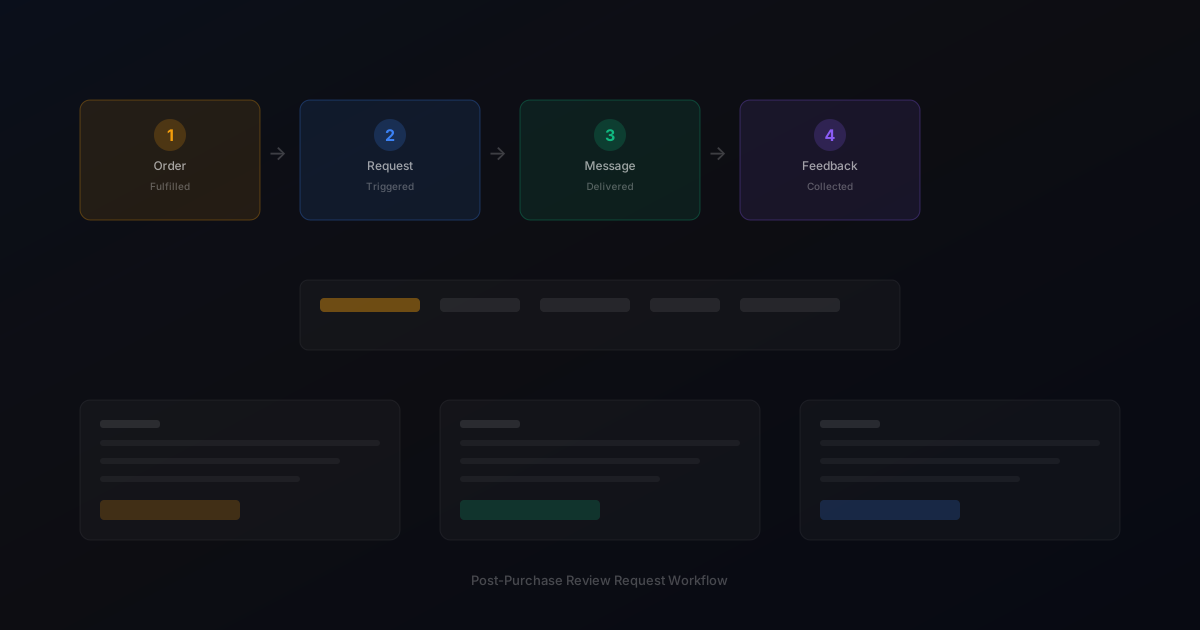
The best Shopify post-purchase review flow uses Shopify's fulfillment events as triggers. When an order is marked fulfilled in Shopify, the flow starts a timer based on your configured delay. After the delay, the review request is sent automatically. This approach ensures timing is always based on actual delivery rather than order date.
Assess your current review collection process
Start by reviewing how you currently collect reviews. Are you using automated requests, manual emails, or no structured process at all? Understanding your starting point helps you choose the right improvements.
Define your review collection goals
Set realistic targets based on your order volume. A store processing 100 orders per week might target 10-15 new reviews per week with an optimized request workflow.
Implement and iterate
Choose the right approach for your store size and implement it. Monitor response rates and adjust timing, messaging, and targeting based on performance data.
Step-by-step Shopify post-purchase review flow framework
1. Connect your review request tool to your Shopify store via API or app integration. 2. Configure fulfillment-based triggers that start timing after delivery confirmation. 3. Set your request delay based on product type and typical usage time. 4. Write Shopify-compatible templates that follow platform policies. 5. Enable automatic follow-up with appropriate spacing. 6. Monitor response rates from your Shopify dashboard. 7. Adjust timing based on performance data.
Practical examples
A Shopify store selling home decor products configured their flow to trigger requests 4 days after fulfillment. Previously they sent requests manually once per week, which meant some customers received requests before their product arrived. The automated flow improved response rate consistency by 30 percent.
Example for growing stores
A mid-size store processing 300 weekly orders implemented automated review requests and saw review volume increase from 15 to 40 reviews per month within eight weeks.
Example for small stores
A boutique store with 50 weekly orders used targeted template messages for first-time buyers and repeat customers separately, improving response rates by 25 percent.
Common mistakes to avoid
The most common mistake is not testing the flow with real orders before full rollout. Another mistake is using the same timing for all products. Products with longer usage cycles, such as furniture or electronics, need longer delays than consumable or fashion products.
Inconsistent timing
Sending requests at random intervals confuses customers and reduces response rates. Consistent timing based on delivery windows produces better results.
Generic messaging
Using the same message for every customer misses the opportunity to tailor requests by customer segment and purchase history.
Shopify post-purchase review flow checklist
Connect your Shopify store to your review request tool. Set fulfillment-based triggers. Test with sample orders before going live. Configure separate timing rules for different product categories if needed. Monitor response rates weekly during the first month.
How StarMultiplier helps with Shopify post-purchase review flow
StarMultiplier integrates directly with Shopify to provide a complete Shopify post-purchase review flow. The platform connects to your order and fulfillment data, triggers requests based on your timing rules, and tracks responses in your dashboard. No custom development or manual order tracking required.
Want to see where your review workflow is leaking opportunities? Start with a StarMultiplier review audit.
How a Shopify post-purchase review flow works from trigger to completion
A Shopify post-purchase review flow is an automated sequence that begins when an order reaches a defined status in your Shopify store and ends when the customer has either completed a review or the follow-up sequence has been exhausted. The trigger is typically the order fulfillment status update — when you mark an order as fulfilled and add tracking information, Shopify fires a webhook event that your review flow software can use to queue the customer for outreach. The first action in the flow is a timing delay: most review flows wait 7 to 14 days after fulfillment before sending the first review request, which allows time for the package to be delivered and for the customer to use the product. After the delay, the flow sends the review request email using a template that references the specific product purchased and includes a direct link to your designated review platform. If the customer does not respond within a defined window — typically 5 to 7 days — the flow sends a single follow-up reminder. The flow ends when the customer completes a review, opts out of review communications, or the reminder window closes without a response. All flow events and customer responses are logged so your team can see the status of any customer in the flow at any given time.
Shopify-specific configuration options for post-purchase review flows
Shopify's order management structure provides several data points that can be used to configure more precise and effective post-purchase review flows. Order tags in Shopify can be used to identify orders that should receive special review request handling: wholesale orders, influencer seeding orders, replacement orders for damaged goods, and subscription renewal orders all benefit from different review request treatment than standard retail orders. Order tags can trigger branching logic in your review flow that routes these special order types to different templates or timing configurations. Shopify's customer tags provide similar functionality for customer-level segmentation: VIP customers, first-time buyers, and returning customers can each receive a tailored review request that acknowledges their specific relationship with your brand. Shopify's fulfillment tracking integration allows some review flow platforms to detect delivery confirmation from supported carriers and trigger review requests based on actual delivery rather than fulfillment date, which produces more accurate timing for customers in different shipping zones. When configuring your Shopify post-purchase review flow, test it with orders from different shipping methods and destinations to verify that timing rules work as expected across your customer geography.
Common failures in Shopify post-purchase review flows and how to fix them
Shopify post-purchase review flows fail in predictable ways that are worth explicitly testing during your initial setup and monitoring ongoing. The most common failure is duplicate review requests, where the flow fires multiple times for the same order because the fulfillment webhook fires more than once during the order processing sequence. This can happen when tracking information is added, then updated, then updated again as a package moves through the carrier network. Configure your flow to deduplicate based on order ID rather than webhook event to ensure each order generates only one review request sequence regardless of how many times the order status updates. The second common failure is sending review requests to orders that were returned or refunded after fulfillment. Build a suppression check at the send time — not just at the queue time — that verifies the order has not been returned or refunded before sending the review request. The third common failure is broken review platform links caused by URL structure changes to your review destination. Test all review platform links monthly rather than assuming they remain valid once configured. The fourth failure is personalization fields not populating correctly for orders with multiple line items, where the product name may default to one of several products rather than the most prominent one. Test multi-product orders specifically during your initial flow configuration.
Optimizing timing in your Shopify post-purchase review flow by product category
Timing optimization in a Shopify post-purchase review flow requires mapping your average delivery window for each product category and adding appropriate post-delivery evaluation time before the review request fires. For domestic Shopify orders with standard shipping, the typical delivery window is 3 to 7 business days after fulfillment. Adding 3 to 5 days of post-delivery evaluation time suggests an optimal review request timing of 6 to 12 days after fulfillment for most standard products. For products that take longer to evaluate — clothing that needs to be worn in context, skincare that shows results over time, home goods that need to be installed or arranged — add additional evaluation time to ensure customers have formed a settled opinion before receiving the request. For products ordered with expedited shipping, the delivery window is shorter and the review request can fire sooner. Consider building a timing rule that uses Shopify's shipping method data to differentiate between standard and expedited orders, applying shorter timing to expedited orders while maintaining longer timing for standard shipping customers.
Using Shopify order data to improve post-purchase review flow personalization
Shopify's order data contains more personalization opportunities than most review flows use. Beyond customer name and product name, Shopify order records include the customer's location, their purchase history, the order tags applied by your team, the discount codes used in the order, and — for subscription products — the subscription cycle number. Each of these data points can be used to personalize review requests more specifically. A customer in a cold-weather region who purchased winter outerwear can receive a review request that references outdoor conditions in that region. A customer using a discount code on their first order can receive a first-time buyer template that acknowledges they discovered the brand through a promotion. A subscription customer on their fifth delivery cycle can receive a template that specifically asks about their long-term experience with consistent product use rather than the initial impression. These personalization opportunities require more template development than a basic first-time-buyer versus repeat-customer split, but they produce meaningfully better response rates for the segments they address because the message demonstrates a level of awareness about the customer's specific situation that generic templates cannot match.
Post-purchase review flow metrics by Shopify store type
Post-purchase review flow performance varies meaningfully across different Shopify store types, and understanding these variations helps you set realistic targets and interpret your own metrics in the right context. Direct-to-consumer brands with a focused product range and strong email list typically achieve the highest response rates — often 8 to 15 percent of review requests result in completed reviews — because their customers have a stronger brand relationship and are more likely to engage with post-purchase communications. General merchandise stores or dropshippers typically see lower response rates — often 2 to 5 percent — because the customer relationship is less differentiated and the brand motivation to leave a review for an individual customer is weaker. Subscription ecommerce stores typically see moderate response rates for initial purchase reviews and lower rates for repeat cycle review requests, as customers who have already reviewed a product are less motivated to review it again unless the product has significantly changed. Specialty or enthusiast product stores tend to see high response rates because their customers are passionate about the product category and are motivated to share their experience with fellow enthusiasts.