WooCommerce Review Request Template for Product Reviews
WooCommerce Review Request Template for Product Reviews — a practical guide for ecommerce stores. Learn how to build a more effective review collection process with better timing, messaging, and workflow.
Quick answer
A WooCommerce review request template gives store owners ready-to-adapt messaging for asking customers to leave product reviews after purchase. The best templates balance brand voice with clarity and follow compliance guidelines.
What is WooCommerce review request template?
A WooCommerce review request template gives store owners ready-to-adapt messaging for asking customers to leave product reviews after purchase. The best templates balance brand voice with clarity and follow compliance guidelines. Templates save time while ensuring every request meets a consistent quality standard and clearly communicates what you are asking the customer to do.
Why WooCommerce review request template matters for ecommerce stores
Templates provide consistency across your review requests while saving your team significant time. Every customer receives a well-crafted message that represents your brand professionally. Templates also make it easier to test and improve your messaging because you have a standard version to measure changes against.
How to approach WooCommerce review request template
Develop templates that follow a clear structure: personalized greeting, appreciation for the purchase, specific request for feedback, easy call-to-action, and closing with gratitude. Each element serves a purpose and should be crafted intentionally. Templates should be flexible enough to accommodate personalization tokens for customer name, product name, and order details.
Assess your current review collection process
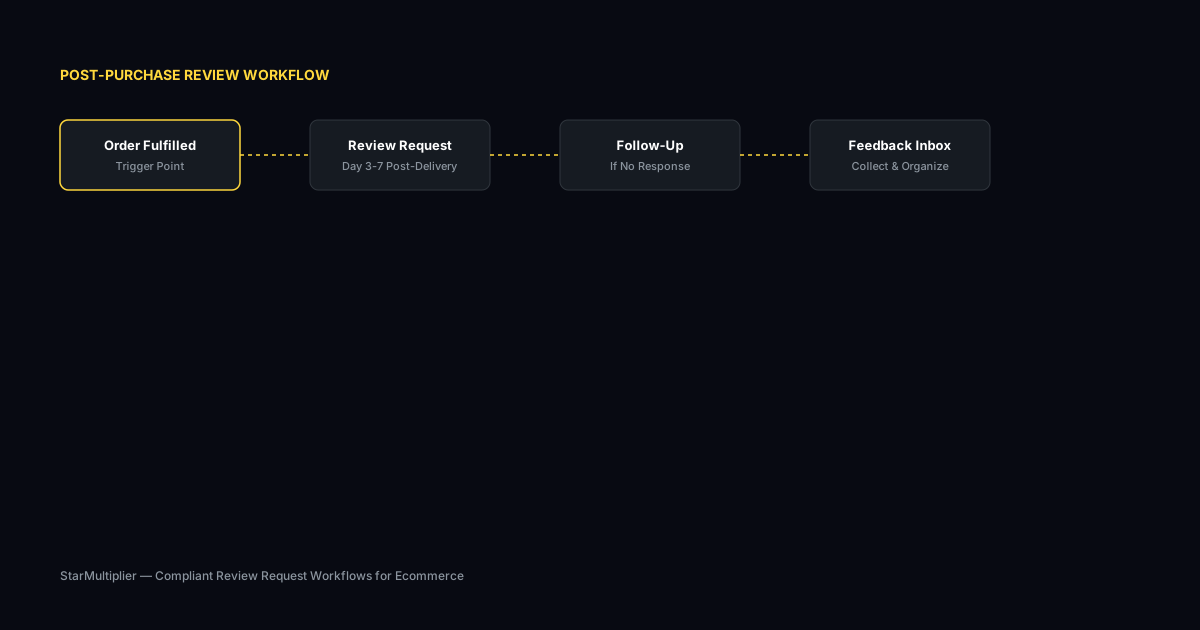
Start by reviewing how you currently collect reviews. Are you using automated requests, manual emails, or no structured process at all? Understanding your starting point helps you choose the right improvements.
Define your review collection goals
Set realistic targets based on your order volume. A store processing 100 orders per week might target 10-15 new reviews per week with an optimized request workflow.
Implement and iterate
Choose the right approach for your store size and implement it. Monitor response rates and adjust timing, messaging, and targeting based on performance data.
Step-by-step WooCommerce review request template framework
First, draft a master template structure that includes all essential elements. Second, write two or three variations for different customer segments or product types. Third, include personalization tokens for customer name and product details. Fourth, review each template for compliance with your platform's review policies. Fifth, test your templates with a small group of customers and gather feedback before full deployment.
Practical examples
A WooCommerce store selling coffee brewing equipment used a template that opened with appreciation: Thanks for choosing our pour-over kit. We hope you are enjoying the brewing experience. The template then asked for feedback on specific product features and provided a direct link to the review form. The clear, specific ask resulted in more detailed reviews compared to their previous generic template. Another store tested two template variations and found that a shorter message with fewer sentences produced a 15 percent higher response rate.
Example for growing stores
A mid-size store processing 300 weekly orders implemented automated review requests and saw review volume increase from 15 to 40 reviews per month within eight weeks.
Example for small stores
A boutique store with 50 weekly orders used targeted template messages for first-time buyers and repeat customers separately, improving response rates by 25 percent.
Common mistakes to avoid
One mistake is writing templates that ask for too much information in the initial request. Keep the initial ask simple and focused on the core review. You can collect additional details later. Another mistake is using templates without testing variations. A/B testing even small changes like subject line length or greeting style can reveal significant differences in response rates.
Inconsistent timing
Sending requests at random intervals confuses customers and reduces response rates. Consistent timing based on delivery windows produces better results.
Generic messaging
Using the same message for every customer misses the opportunity to tailor requests by customer segment and purchase history.
WooCommerce review request template checklist
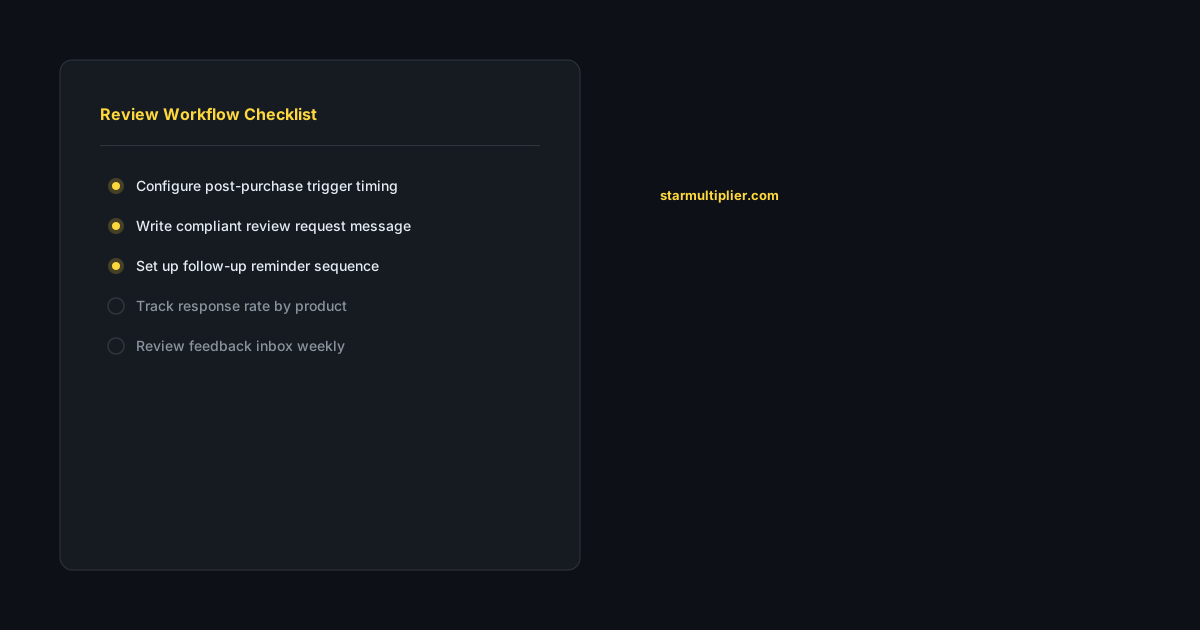
Include a clear call-to-action that makes it easy for customers to leave a review. Keep the message focused on a single ask rather than multiple requests. Personalize with customer name and product details. Test at least two template variations to identify which messaging resonates better with your customers. Review your templates quarterly to keep language fresh and aligned with current promotions.
How StarMultiplier helps with WooCommerce review request template
StarMultiplier provides customizable review request templates that WooCommerce store owners can adapt to their brand voice. The platform includes template variables for customer name, product details, and order information that automatically populate in each message. Stores can create multiple templates for different customer segments and test which messaging drives the best response rates.
Want to see where your review workflow is leaking opportunities? Start with a StarMultiplier review audit.
Writing WooCommerce review request templates that match your brand
WooCommerce review request templates need to feel like authentic communication from your brand rather than generic software output. The single most important quality-enhancing step you can take with a WooCommerce review request template is rewriting the default copy provided by your review collection software in your actual brand voice. Default templates are designed to be acceptable to all brands rather than excellent for any brand, which means they are deliberately generic. A homeware brand with a warm, lifestyle-focused voice should write a review request that sounds like it comes from a brand that cares about how its products live in customers' homes. A technical outdoor gear brand should write a review request that speaks the language of performance and durability. A premium skincare brand should write a review request that sounds like a high-touch brand that cares about skin outcomes rather than just product ratings. Match the tone, the vocabulary, and the level of formality to your brand positioning so the review request email feels like a natural extension of the brand relationship rather than an interruption from a third-party software system.
Subject line and preview text for WooCommerce review request templates
The subject line and preview text for your WooCommerce review request template are the first two elements a customer sees when your email arrives in their inbox, and they determine whether the email gets opened or ignored. Subject lines that reference the specific product purchased consistently outperform generic review request subject lines because they create immediate recognition and relevance for the recipient. 'How is your new [Product Name] working out?' is more engaging than 'We would love your feedback' because it demonstrates that the sender knows something specific about the customer's situation. Preview text — the short snippet that appears after the subject line in most email clients — is often underused in review request emails. Many brands leave this blank, which causes email clients to pull the first line of email body text, often resulting in awkward or uninformative preview content. Write explicit preview text that complements the subject line without repeating it: if the subject line is 'How is your new Garden Tools Set working out?', effective preview text might read 'Your experience helps other gardeners make the right choice.' This combination of subject line and preview text creates a clear, honest, specific opening that motivates customers to open the email at higher rates than generic alternatives.
Follow-up timing and content for WooCommerce review request templates
The follow-up reminder email in your WooCommerce review request template sequence has different content requirements than the initial request. The follow-up should be shorter, more direct, and should acknowledge the prior contact without making the customer feel pressured or accused of forgetting. The subject line for the follow-up should differ from the initial request subject line: a customer who did not open the first email needs a different hook, while a customer who opened but did not click needs a different motivator. For the non-opener, try a simpler, more direct subject line that removes any ambiguity about what you are asking: 'A quick note about your [Product Name] order' is clearer than the more conversational initial subject line. For the opener-but-not-clicker, the follow-up email body should address potential friction: is the review process simpler than they might think? A line like 'It only takes about two minutes — just a quick rating and a sentence or two about your experience' reduces the perceived effort of completing a review. Keep the follow-up email under 100 words, include a single clearly labeled review link or button, and close with a brief thank you that applies regardless of whether they respond. Send only one follow-up per review request sequence, and suppress the follow-up for customers who have already completed a review.
WooCommerce review request template library: building for scale
Building a WooCommerce review request template library that scales with your growing product catalog requires a deliberate architecture that balances customization with manageability. Define your primary template segments at the outset: at minimum, a first-time buyer template and a repeat customer template. Then define your secondary segments by product category: if you sell across meaningfully different product types, create category-specific variants of your primary templates that use category-appropriate opening lines and body context while sharing the same overall structure. Use a naming convention for your templates that makes their application immediately clear: 'First-Time Buyer — Apparel' is more useful than 'Template 3' when you are reviewing templates during a quarterly audit. Maintain a template library document that lists every active template, the customer segment and product category it applies to, the date it was last reviewed, and the current open rate and click-through rate for each template. This library document makes it easy to identify which templates are performing below average and should be prioritized for update, and which templates are working well and should be studied as models for improving underperforming ones.
How WooCommerce review request template performance changes with store maturity
WooCommerce review request template performance typically follows a maturity curve as a store's brand relationship with its customers strengthens over time. In the first 6 to 12 months of a store's operation, review request templates are working to establish a brand relationship with customers who do not yet have a strong connection to your brand. Open rates and response rates tend to be at their lowest during this early period because brand recognition is limited. As the store matures and builds a customer base with positive purchase experiences and returning customers, review request performance tends to improve because customers recognize the brand name and are more inclined to engage with post-purchase communications from a brand they trust. Templates can evolve during this maturity progression: early templates need to do more work establishing who you are and why you are reaching out, while mature templates can be more concise and direct because customers already have context. Review your templates annually and adjust the amount of brand context and motivation they include based on the maturity of your customer relationship — as brand recognition grows, the investment in context can decrease and the investment in specificity and personalization can increase.
Localizing WooCommerce review request templates for international customers
WooCommerce stores serving international customers need review request templates localized for different markets to maximize response rates across a culturally diverse customer base. At minimum, review request templates should be available in the primary languages of your customer base: a customer who receives a review request in English when their order was placed in French, German, or Spanish is less likely to engage than one who receives communication in their preferred language. Beyond language translation, effective template localization considers cultural norms around customer feedback and post-purchase communication: some markets have higher rates of review participation than others, and the motivational framing that works well in one market may be less effective in another. Work with native speakers of each language for template review rather than relying exclusively on automated translation tools, which may produce technically accurate but tonally inappropriate translations for business communication. Segment your WooCommerce review request workflow by customer country or language preference and route each customer to their appropriate localized template rather than sending all international customers the same English template.