StarMultiplier for Shopify Stores: Review Workflows Without the Mess
StarMultiplier for Shopify stores — a practical guide for ecommerce stores. Learn how to build a more effective review collection process with better timing, messaging, and workflow.
Quick answer
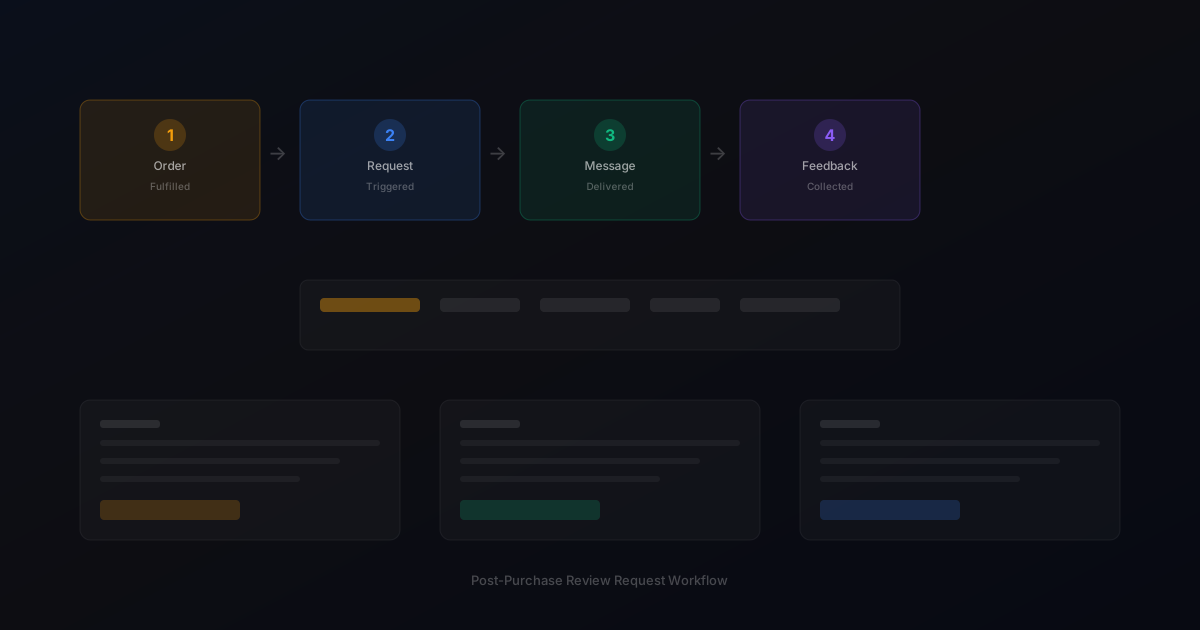
StarMultiplier for Shopify stores provides automated post-purchase review request workflows that integrate with your Shopify order flow. Instead of manually tracking orders and sending individual messages, stores set timing rules and templates once, and the workflow handles the rest.
What is StarMultiplier for Shopify stores?
StarMultiplier for Shopify Stores: Review Workflows Without the Mess provides a complete post-purchase review workflow that connects your Shopify order flow to automated review requests, feedback management, and analytics. Instead of manually tracking orders and sending individual messages, stores set timing rules and templates once, and the workflow handles the rest.
Why StarMultiplier for Shopify stores matters for ecommerce stores
StarMultiplier for Shopify stores matters because Shopify stores need a review collection process that matches the efficiency of their ecommerce platform. Manual review management creates a bottleneck as order volume grows, and traditional review apps focus on display rather than the collection workflow that feeds them.
How to approach StarMultiplier for Shopify stores
StarMultiplier for Shopify stores works by connecting to your Shopify store via API, monitoring fulfillment events, and triggering review requests based on your configured timing rules. The platform handles request timing, delivery across channels, follow-up scheduling, and response tracking from a single dashboard.
Assess your current review collection process
Start by reviewing how you currently collect reviews. Are you using automated requests, manual emails, or no structured process at all? Understanding your starting point helps you choose the right improvements.
Define your review collection goals
Set realistic targets based on your order volume. A store processing 100 orders per week might target 10-15 new reviews per week with an optimized request workflow.
Implement and iterate
Choose the right approach for your store size and implement it. Monitor response rates and adjust timing, messaging, and targeting based on performance data.
Step-by-step StarMultiplier for Shopify stores framework
1. Install the StarMultiplier app from the Shopify App Store or connect via API. 2. Configure your review request timing rules based on your delivery process. 3. Customize request templates for different customer segments. 4. Set up your feedback inbox for response management. 5. Enable analytics to track response rates and review performance. 6. Train your team on the platform and establish response workflows. 7. Review performance monthly and adjust timing or messaging based on data.
Practical examples
A Shopify store processing 300 weekly orders switched from manual review emails to StarMultiplier. The automated workflow eliminated 6 hours of weekly manual work, improved response rate consistency by ensuring every customer received a request at the right time, and gave the team a clear view of review performance in the analytics dashboard.
Example for growing stores
A mid-size store processing 300 weekly orders implemented automated review requests and saw review volume increase from 15 to 40 reviews per month within eight weeks.
Example for small stores
A boutique store with 50 weekly orders used targeted template messages for first-time buyers and repeat customers separately, improving response rates by 25 percent.
Common mistakes to avoid
The most common mistake is setting up the workflow and expecting immediate results without monitoring and optimization. Timing rules and templates may need adjustment based on your specific products and customer base. Give the system time to collect data, then optimize based on performance.
Inconsistent timing
Sending requests at random intervals confuses customers and reduces response rates. Consistent timing based on delivery windows produces better results.
Generic messaging
Using the same message for every customer misses the opportunity to tailor requests by customer segment and purchase history.
StarMultiplier for Shopify stores checklist
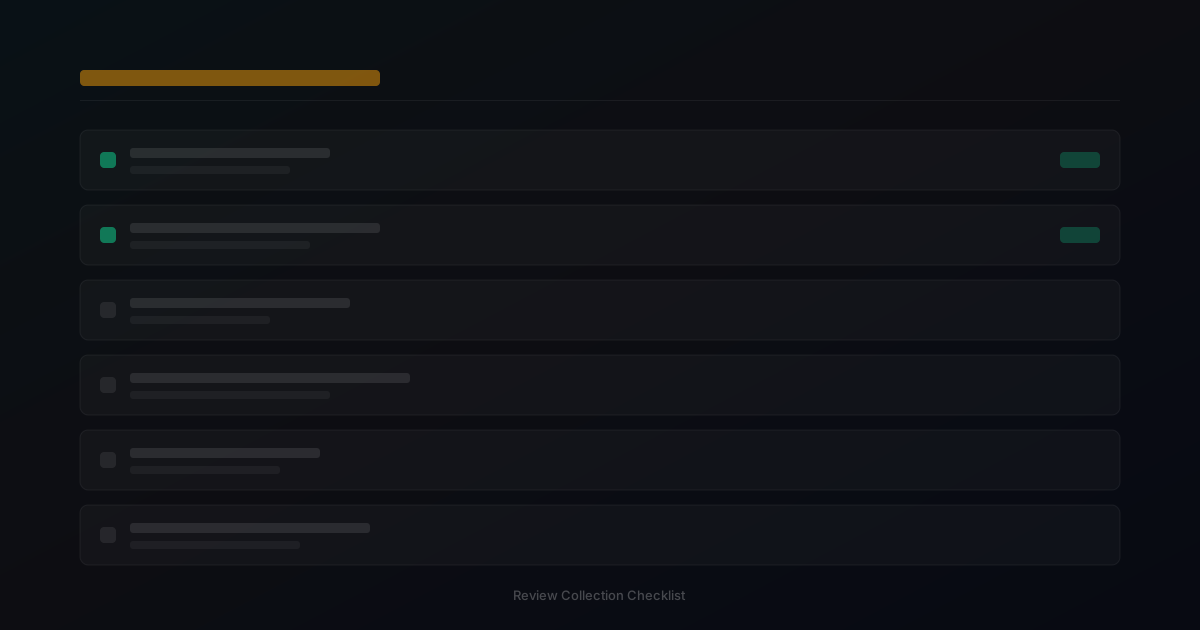
Connect your Shopify store to StarMultiplier. Configure timing rules based on your delivery process. Customize templates for your brand voice. Monitor response rates and adjust timing as needed. Review performance monthly to identify optimization opportunities.
Want to see where your review workflow is leaking opportunities? Start with a StarMultiplier review audit.
How StarMultiplier helps with StarMultiplier for Shopify stores
StarMultiplier for Shopify stores provides the review request automation, feedback management, and analytics that growing Shopify stores need. The platform integrates directly with your Shopify store and handles the operational complexity of post-purchase review collection. Visit the features page to learn more about how StarMultiplier fits your Shopify workflow.
How StarMultiplier fits into the Shopify post-purchase workflow
StarMultiplier connects to your Shopify store through order data to build a post-purchase review request workflow that runs consistently without requiring manual intervention from your team. When an order reaches the fulfilled status in Shopify, StarMultiplier queues a review request based on the timing rules you configure. You can set different timing for different product categories: apparel requests might go out 7 days after fulfillment, while complex products like electronics or appliances go out 14 days to give customers more time to evaluate their purchase. The platform uses customer data from each order to personalize review request messages with the product name, order context, and a direct link to the appropriate review platform. This personalization happens automatically based on the template rules you configure during setup rather than requiring manual intervention for each request. Your team can monitor the status of all active review request sequences, see which customers have responded and which have not, and review customer feedback from a centralized dashboard. StarMultiplier handles the operational complexity of managing a review collection workflow so your team can focus on product improvement and customer service rather than manual follow-up.
StarMultiplier's approach to review request compliance on Shopify
StarMultiplier is built around a compliance-first approach to review collection, which means the platform does not include features that Shopify, Google, Trustpilot, or other major platforms prohibit. There is no review gating: the platform does not offer any mechanism to selectively route customers to review platforms based on their satisfaction score or any pre-screening answer. All customers within a configured segment receive the same review request workflow regardless of their predicted satisfaction. There is no fake review generation: StarMultiplier does not create, suggest, or facilitate any form of artificial review content. The platform collects authentic reviews from real customers who have purchased your products. There is no selective suppression: StarMultiplier does not include functionality designed to prevent unhappy customers from reaching public review platforms. These design choices reflect the view that authentic reviews — even when they include critical feedback — are more valuable to both shoppers and brands than inflated ratings that do not reflect genuine customer experience. The platform does include a customer feedback inbox that lets your team hear concerns directly through the review process, which is about providing better customer service rather than controlling which reviews become public.
Setting up your first Shopify review request workflow with StarMultiplier
Setting up your first Shopify review request workflow with StarMultiplier involves four main steps. First, connect StarMultiplier to your Shopify store through the integration setup. The connection uses your Shopify order data to trigger review requests without requiring any custom code or webhook configuration. Second, configure your timing rules by setting how many days after order fulfillment your review requests should send. Consider your typical delivery timeline when setting this: if most orders arrive in 5 to 7 days after fulfillment, a request sending 10 to 12 days after fulfillment gives customers a few days to use their product before they hear from you. Third, customize your review request templates for your product categories and brand voice. Use the product name merge field to reference the specific item purchased and write copy that sounds like your brand rather than generic review software. Fourth, set up your review platform links so customers are directed to the correct destination when they click through to leave their review. You can configure links for Shopify Product Reviews, Google Business Profile, or other platforms depending on where you collect reviews. After your initial setup, run a test order through the sequence to verify timing, personalization, and link destinations before enabling the workflow for your full order volume.
Getting the most from StarMultiplier analytics and feedback data
StarMultiplier's analytics dashboard provides the visibility your team needs to understand how your review collection workflow is performing and where opportunities exist to improve it. The response rate metric shows what percentage of customers who receive review requests complete a review, which you can track over time to see whether your timing, messaging, and targeting are improving or declining. Breaking down response rate by product category shows you which products are generating the most engaged review responses and which might need different timing or messaging. The feedback inbox captures direct responses from customers who share their experience through your review request process before or instead of leaving a public review. Reviewing this inbox weekly helps your team identify product quality concerns, shipping issues, or service gaps that might otherwise only surface as negative public reviews. Over time, tracking the relationship between review volume, product page conversion rates, and overall store performance helps you quantify the business impact of your review collection investment. Most stores that run a consistent review collection workflow see meaningful improvements in product page conversion over 6 to 12 months as they accumulate more authentic, recent reviews across their catalog.