Review Tracking Spreadsheet Alternative for Ecommerce Teams
Review Tracking Spreadsheet Alternative for Ecommerce Teams — a practical guide for ecommerce stores. Learn how to build a more effective review collection process with better timing, messaging, and workflow.

Quick answer
A review tracking spreadsheet alternative replaces the manual process of logging orders, tracking follow-ups, and managing review requests in a spreadsheet with automated workflows connected to your ecommerce platform. The right tool eliminates data entry errors and missed follow-ups.
What is review tracking spreadsheet alternative?
A review tracking spreadsheet alternative replaces the manual process of logging orders, tracking follow-up status, and managing review requests in a spreadsheet with an automated workflow connected to your ecommerce platform. While spreadsheets offer flexibility, they require significant manual effort to maintain accurately and often result in missed follow-ups and inconsistent timing as order volume grows.
Why review tracking spreadsheet alternative matters for ecommerce stores
Spreadsheets break down as review tracking tools once order volume exceeds a few dozen orders per month. Data entry errors, forgotten follow-ups, and inconsistent timing become common. The alternative of automated tracking software eliminates these issues by connecting directly to your order system and managing the entire workflow based on rules you set.
How to approach review tracking spreadsheet alternative
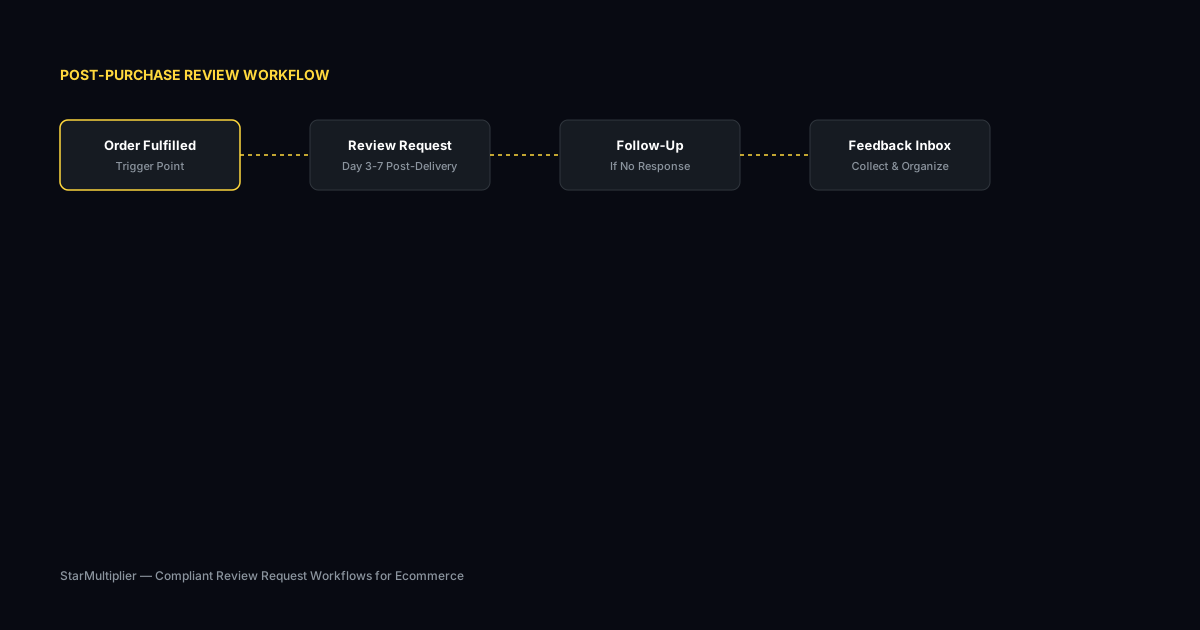
Transitioning from spreadsheet-based tracking starts with defining the rules you currently apply manually. What triggers a review request? How long after delivery do you wait? When do you send follow-ups? Once your rules are documented, automated tools can apply them consistently to every order without manual data entry or tracking.
Assess your current review collection process
Start by reviewing how you currently collect reviews. Are you using automated requests, manual emails, or no structured process at all? Understanding your starting point helps you choose the right improvements.
Define your review collection goals
Set realistic targets based on your order volume. A store processing 100 orders per week might target 10-15 new reviews per week with an optimized request workflow.
Implement and iterate
Choose the right approach for your store size and implement it. Monitor response rates and adjust timing, messaging, and targeting based on performance data.
Step-by-step review tracking spreadsheet alternative framework
First, export your current spreadsheet structure and identify all the columns and categories you track. Second, document the rules and timing you apply to each row. Third, find an automated tool that can replicate these rules without manual input. Fourth, set up the tool with a subset of new orders while continuing your spreadsheet for existing orders. Fifth, after two weeks, compare the accuracy and completeness of both approaches and transition fully to automation.
Practical examples
A store that tracked review requests in Google Sheets with columns for order date, customer name, product purchased, request sent date, and response status spent about five hours per week on data entry and follow-ups. After switching to an automated platform, they eliminated data entry entirely. The platform automatically populated order data and managed timing based on delivery confirmation. The store owner estimated saving over 200 hours per year in manual spreadsheet work. Another store found that their spreadsheet had errors in about 10 percent of entries, leading to missed or duplicate requests.
Example for growing stores
A mid-size store processing 300 weekly orders implemented automated review requests and saw review volume increase from 15 to 40 reviews per month within eight weeks.
Example for small stores
A boutique store with 50 weekly orders used targeted template messages for first-time buyers and repeat customers separately, improving response rates by 25 percent.
Common mistakes to avoid
One mistake is trying to build a more complex spreadsheet instead of switching to automation. Adding pivot tables, conditional formatting, and scripts to a spreadsheet only delays the inevitable need for a purpose-built tool. Another mistake is underestimating the time spent on spreadsheet maintenance. Teams often forget to account for the time spent updating statuses, fixing errors, and reconciling data.
Inconsistent timing
Sending requests at random intervals confuses customers and reduces response rates. Consistent timing based on delivery windows produces better results.
Generic messaging
Using the same message for every customer misses the opportunity to tailor requests by customer segment and purchase history.
review tracking spreadsheet alternative checklist
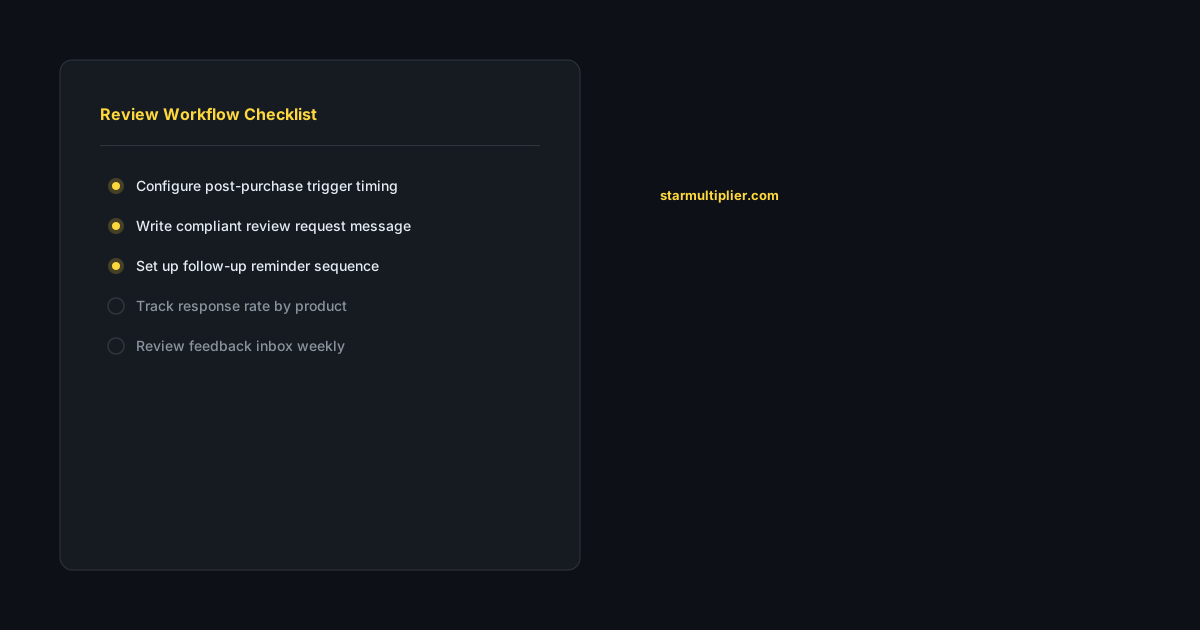
Measure the time your team spends on spreadsheet-based review tracking each week. Include data entry, status updates, error correction, and follow-up management. Calculate the annual cost of this manual effort. Verify that any alternative tool you consider connects to your ecommerce platform and handles timing automatically. Confirm that the tool provides a dashboard view that replaces your spreadsheet's tracking function.
How StarMultiplier helps with review tracking spreadsheet alternative
StarMultiplier directly replaces spreadsheet-based review tracking with an automated workflow that connects to your Shopify or WooCommerce store. The platform automatically imports order data, manages request timing based on delivery confirmation, tracks response status, and provides a dashboard for monitoring performance. Setup takes less than 30 minutes, and the automated workflow ensures every customer receives consistent follow-up without any manual spreadsheet work.
Want to see where your review workflow is leaking opportunities? Start with a StarMultiplier review audit.
Why spreadsheet-based review tracking breaks down as stores grow
Spreadsheet-based review tracking is the default starting point for most small ecommerce operations because spreadsheets are familiar, free, and flexible. In the early stages of a business processing dozens of orders per month, a spreadsheet that tracks which customers received review requests, whether they responded, and which reviews were published provides adequate visibility for a small team. The breakdown begins as order volume grows. At hundreds of orders per month, manually entering customer data into a tracking spreadsheet after each review request is sent consumes significant team time that could be spent on higher-value activities. At thousands of orders per month, it is simply impossible to maintain an accurate review tracking spreadsheet without dedicated data entry staff. Beyond the time burden, spreadsheets have structural limitations that matter for review tracking: they do not automatically update when reviews are completed, they cannot trigger automated follow-up sequences, they do not integrate with email delivery systems to track open and click data, and they provide no mechanism for monitoring review platform changes in real time. A spreadsheet can tell you what happened in the past; it cannot manage an ongoing automated process.
What a review tracking spreadsheet alternative needs to replace
When evaluating software alternatives to a review tracking spreadsheet, identify exactly what functions the spreadsheet is currently serving so you can verify that the alternative covers all of them rather than some. Typical review tracking spreadsheets serve five functions: they record which customers have been sent review requests and when, they track which customers have responded and on which platform, they maintain a suppression list of customers who have opted out or already reviewed, they record the timing of follow-up reminders, and they provide a summary view of collection performance over time. A software alternative must handle all five functions automatically rather than requiring manual data entry, which is the core value proposition of moving from a spreadsheet. The alternative should also improve on areas where spreadsheets are structurally limited: triggering automated requests rather than requiring manual sending, detecting completed reviews automatically rather than requiring manual status updates, integrating with email sending infrastructure for delivery and engagement tracking, and providing analytics that identify trends and patterns that are not visible in a static spreadsheet.
StarMultiplier as a review tracking spreadsheet alternative
StarMultiplier replaces spreadsheet-based review tracking with automated workflow infrastructure that handles every function that spreadsheets serve manually — and adds capabilities that spreadsheets cannot provide. The platform automatically records which customers have been sent review requests based on Shopify order fulfillment events, without requiring manual data entry. It tracks response status automatically through integration with review platform data, updating customer records when reviews are completed rather than requiring someone to manually check each platform for new reviews. It maintains suppression lists that update in real time as customers opt out or complete reviews, without requiring manual list management. It manages follow-up reminder timing automatically, sending a single reminder to non-responders at the configured interval rather than requiring manual calendar tracking. And it provides analytics dashboards that calculate response rates, identify trends, and surface product-level performance data that would require significant formula work to replicate in a spreadsheet even if the underlying data were available. For stores at the inflection point where spreadsheet tracking has become a burden, StarMultiplier's setup process is designed to be completed in a single working session, making the transition from manual tracking to automated workflow management accessible without technical expertise.
Migrating from spreadsheet review tracking to software: a step-by-step guide
Migrating from spreadsheet-based review tracking to dedicated software requires a careful transition that preserves the useful data you have accumulated without creating coverage gaps during the handoff. Step one: export your current spreadsheet data including customer names, email addresses, review request dates, review completion status, and any opt-out records. This data forms the suppression list you need to import into your new platform to prevent duplicate contacts. Step two: set up your new review tracking software and complete all configuration before importing any historical data. Verify that the platform is working correctly with test orders before adding your historical data. Step three: import your opt-out list and review completion records from your spreadsheet as a suppression file. This prevents the new platform from sending review requests to customers who have already reviewed or opted out. Step four: set a clear start date for the new platform and communicate it to your team. Orders fulfilled after the start date will be managed by the new platform; any outstanding manual follow-ups for orders fulfilled before the start date should be completed through your existing process and recorded in the transition log. Step five: monitor the new platform daily for the first two weeks to catch any issues before they affect large numbers of customers.
What spreadsheet tracking cannot tell you that software can
Spreadsheet-based review tracking provides a record of what happened but cannot tell you why it happened or what to do about it. Software analytics fill this gap by providing context and pattern recognition that spreadsheets require manual analysis to approximate. Response rate by product category: a spreadsheet shows you that you sent 200 review requests and received 20 completed reviews, but it cannot easily tell you that 15 of those reviews came from one product category while the other 5 came from five different categories — a pattern that suggests your outreach is dramatically underperforming for those five categories. Response rate trend: a spreadsheet updated monthly shows snapshots but requires manual formula work to calculate meaningful trends; software shows trends automatically and flags significant changes. Timing optimization: a spreadsheet cannot analyze whether review requests sent at 7 days after fulfillment perform better or worse than those sent at 10 days; software can analyze this difference across thousands of requests and surface statistically meaningful findings. Follow-up contribution: a spreadsheet typically does not distinguish between reviews generated by initial requests versus follow-up reminders; software tracks this separately, revealing whether your follow-up sequence is producing meaningful incremental reviews or adding friction without benefit.
The hidden costs of continuing with spreadsheet review tracking
Continuing with spreadsheet-based review tracking beyond the earliest stage of your business carries hidden costs that accumulate and compound over time. Coverage gaps widen: as order volume grows, the probability that some orders are missed in a manual spreadsheet process increases, and the reviews you never collected represent social proof that is permanently unavailable. Consistency degrades: manual processes are more affected by team turnover, busy periods, and competing priorities than automated ones, leading to inconsistent outreach that produces variable review velocity. Optimization is impossible: without systematic data capture and reporting, you cannot identify which timing, segmentation, or template choices produce better results, which means your review collection remains at the same performance level indefinitely rather than improving over time. Compliance risk grows: as your review volume and business visibility increase, so does the importance of being able to demonstrate that your review collection process complies with platform policies, and a manual spreadsheet process is difficult to audit for compliance. Each of these hidden costs is avoidable with a software solution, and the cost of the software is almost always lower than the cumulative cost of the hidden problems that manual tracking creates.