Review Request Timing Best Practices for Ecommerce Stores
Sending review requests at the right moment after purchase dramatically improves response rates. Learn the optimal timing windows by product type and customer segment.
Quick answer
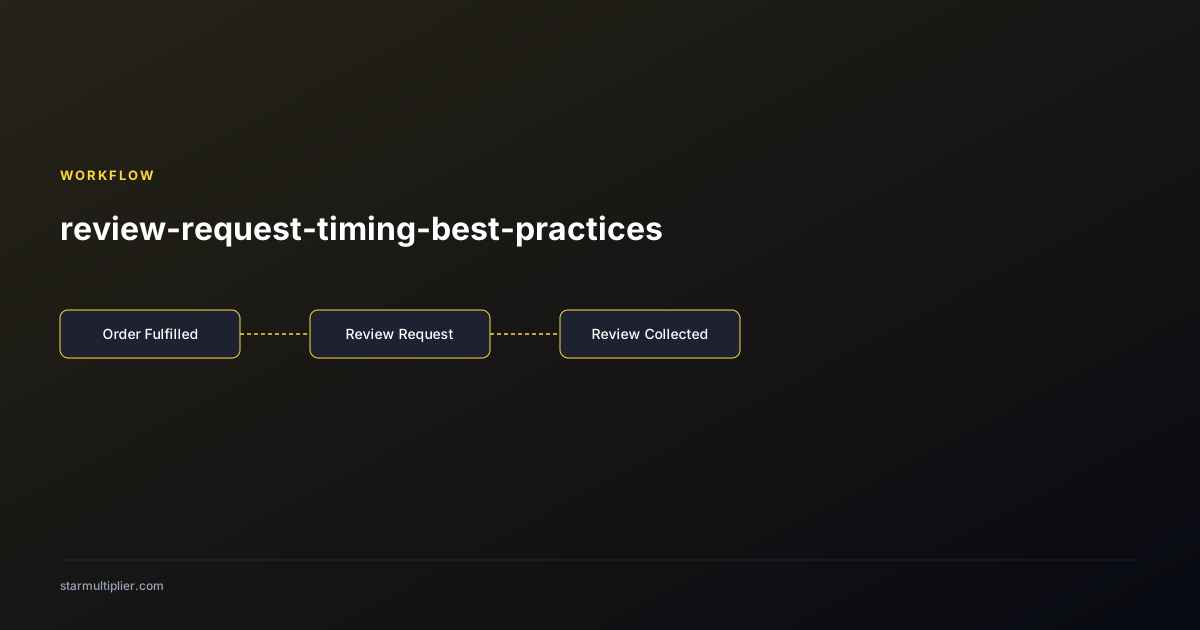
Send review requests 7 to 14 days after order fulfillment for most products, allowing adequate delivery and evaluation time. Adjust the window by product category based on how long customers need to form a settled opinion.
Why timing is the highest-leverage variable in review request performance
Among all the variables that affect review request response rate — subject line, template content, customer segment, sending frequency — timing has the most consistent and measurable impact. A review request sent too early, before delivery, produces confusion and zero reviews because there is nothing to review. A request sent immediately after delivery produces limited reviews because customers have not yet had time to evaluate the product. A request sent at the optimal moment — when the customer has received and evaluated the product but the experience is still fresh — produces the highest response rate of any timing configuration. Testing timing against other variables consistently shows that optimizing timing produces response rate improvements of 20 to 40 percent compared to non-optimal timing, while template improvements typically produce 10 to 20 percent improvements. This makes timing the first optimization priority for any store setting up or improving a review request workflow.
Calculating your optimal timing window by product category
Different product categories require different timing windows because customers form settled opinions at different rates depending on how quickly the product delivers its value. For standard consumer goods — clothing, home accessories, kitchen products — customers typically form their primary assessment within 3 to 5 days of receiving the product. A review request at 7 to 10 days after fulfillment captures this settled-opinion window for standard delivery timelines. For food and consumable products, the evaluation window is even shorter because the product is consumed quickly. A request at 5 to 7 days after fulfillment works well for most consumable categories. For electronics and tech products, the initial setup and configuration period means customers need 7 to 14 days to fully assess the product. A request at 14 days after fulfillment works better than the standard 7-day window. For skincare, wellness, and results-oriented products, meaningful results may not be visible for 4 to 6 weeks. A review request at 30 to 45 days after fulfillment is more appropriate for these product types and produces more informative reviews because customers can speak to actual results rather than initial impressions.
How to account for shipping time variation in your timing configuration
Configuring review request timing without accounting for shipping time variation produces inconsistent review request delivery relative to actual customer receipt of the product. A timing rule that fires 7 days after fulfillment delivers the review request before product arrival for customers in remote locations or international destinations where shipping takes 10 to 14 days, and delivers it at the optimal moment for domestic customers with 3 to 5 day shipping. Eliminate this inconsistency through two approaches. Approach one: use shipping carrier data to calculate the actual delivery date and trigger the review request based on delivery confirmation rather than fulfillment date. This requires integration between your shipping carrier and your review request platform but produces the most accurate timing. Approach two: set a conservative timing window that accommodates your slowest shipping segment. If 95 percent of your orders arrive within 8 days, a 10-day post-fulfillment timing window ensures most customers have received their order before the review request arrives. This approach is simpler but produces suboptimal timing for your fastest-shipping customers.
Timing for follow-up reminders
Follow-up reminder timing is as important as initial request timing, but is often less carefully configured. The optimal follow-up window is 5 to 7 days after the initial request, which provides enough separation that the reminder does not feel like harassment while keeping the review opportunity top of mind before the customer's recollection of the purchase experience fades. Sending the follow-up too soon — 1 to 2 days after the initial request — gives customers who intended to respond but had not yet found the time almost no additional time, while feeling pushy to those who deliberately chose not to respond. Sending the follow-up too late — 14 or more days after the initial request — occurs at a point where many customers' product experience memories have faded sufficiently that they are less able to write specific, useful reviews even if they are willing to do so. Configure follow-up suppression carefully: the follow-up should not send to customers who clicked the review link in the initial request even if they did not complete the review, since these customers have already engaged and the follow-up would be redundant.
Seasonal timing adjustments for high-volume periods
Seasonal adjustments to review request timing are necessary during peak periods when standard timing windows no longer align with the actual customer experience. During the holiday season, fulfillment delays and extended shipping windows mean standard timing rules may send review requests before delivery. Temporarily extending your timing window during the peak season by 3 to 5 days accounts for the longer shipping timelines without requiring you to disable review collection during your highest-volume period. After the holiday season, the large volume of post-holiday returns and exchanges creates a window of customer contact that may interact with review requests. Configure your workflow to suppress review requests for orders where a return has been initiated in the period between fulfillment and the review request send date. For major sale events where customers may purchase items they are less invested in than full-price purchases, consider whether extending the post-sale evaluation window produces more thoughtful reviews by giving customers more time to assess value-driven purchases before the review request arrives.
Want to see where your review workflow is leaking opportunities? Start with a StarMultiplier review audit.
Testing timing to find your store-specific optimal window
Industry timing best practices are starting points rather than definitive optimal windows, because the correct timing for your specific store depends on your product categories, customer base, and fulfillment infrastructure. Test your timing empirically by running controlled timing experiments. Split your order volume equally between two timing configurations — for example, 7 days and 12 days after fulfillment — and measure response rate, review quality (as assessed by average word count), and review specificity for each group over 30 to 60 days. The timing that produces the higher combination of response rate and review quality is your optimal window for that product category or segment. Continue testing incrementally after establishing an initial optimal window: as your customer base and fulfillment operations evolve, the optimal timing may shift. Quarterly timing audits that evaluate whether the current configuration continues to align with actual delivery patterns maintain performance over time.
Timing your review request relative to repurchase behavior
For products with high repurchase frequency — consumables, supplements, frequent-wear apparel — review request timing interacts with repurchase timing in a way that should inform both workflows. If a customer repurchases a product before their review request arrives for the first order, the review request will arrive in the context of their second order, which may produce a more settled, long-term assessment than a first-purchase review. This can be a feature rather than a bug: the review request for the first order arrives when the customer has had multiple experiences with the product and can speak to repeatability and consistent quality. If your repurchase window is shorter than your review request timing window, explicitly use this dynamic in the review request language: 'We noticed you have already ordered again — we would love to hear how [Product] has been working for you over both orders.' This framing turns the timing overlap into a relationship acknowledgment that can improve response rates for high-repurchase products.
How delivery delays affect your review request timing and what to do about it
Delivery delays — caused by carrier capacity issues, weather disruptions, customs delays for international orders, or fulfillment center backlogs — can cause review requests to fire before product arrival when your timing is based on a fixed delay from fulfillment rather than actual delivery date. Monitoring your delivery delay patterns by shipping region and season allows you to proactively adjust timing windows rather than reactively discovering that customers received review requests before their packages arrived. For predictable delay periods — holiday shipping season, historically slow shipping regions — pre-configure extended timing windows before the delay period begins rather than waiting to adjust mid-period. For unpredictable delays caused by specific disruption events (weather events, carrier failures), send a temporary timing override that extends all pending review requests in the affected region by the estimated additional delay window. Both proactive and reactive timing adjustments require some manual attention but prevent the poor customer experience and wasted review requests that result from timing requests before product receipt.
Seasonal timing adjustments for holiday and peak purchase periods
Holiday and peak purchase periods introduce two simultaneous timing challenges: fulfillment delays that extend the time between purchase and delivery, and customer attention saturation from the volume of brand communications arriving during the same period. Proactively extend your review request timing windows by 3 to 5 additional days during known peak fulfillment delay periods (typically Thanksgiving through New Year for US-market brands). Reducing the volume of non-essential communications during the highest-saturation communication periods — the week before and after major holidays — can also improve review request performance by sending during slightly lower-competition windows. Monitor your review request open rates daily during peak periods and compare them against your non-peak baseline to identify when saturation effects are reducing engagement, then adjust your send schedule to minimize overlap with the highest-competition communication windows your customers face each holiday season.
Checklist
- Determine average delivery time for each major shipping zone
- Set timing window 3-5 days after expected delivery (not fulfillment)
- Adjust timing by product category for appropriate evaluation windows
- Configure follow-up reminders 5-7 days after initial request
- Suppress follow-ups for customers who clicked the initial link
- Extend timing windows during holiday season by 3-5 days
- Test timing variations quarterly and compare response rate data